Automation is easiest to justify when it removes a recurring decision or handoff—not simply because a task is repetitive. This guide helps you choose a first workflow with visible value.
A website lead can disappear without a single system going offline: the form succeeds, the email arrives, and nobody owns the next step. This checklist traces the handoff from consent and.
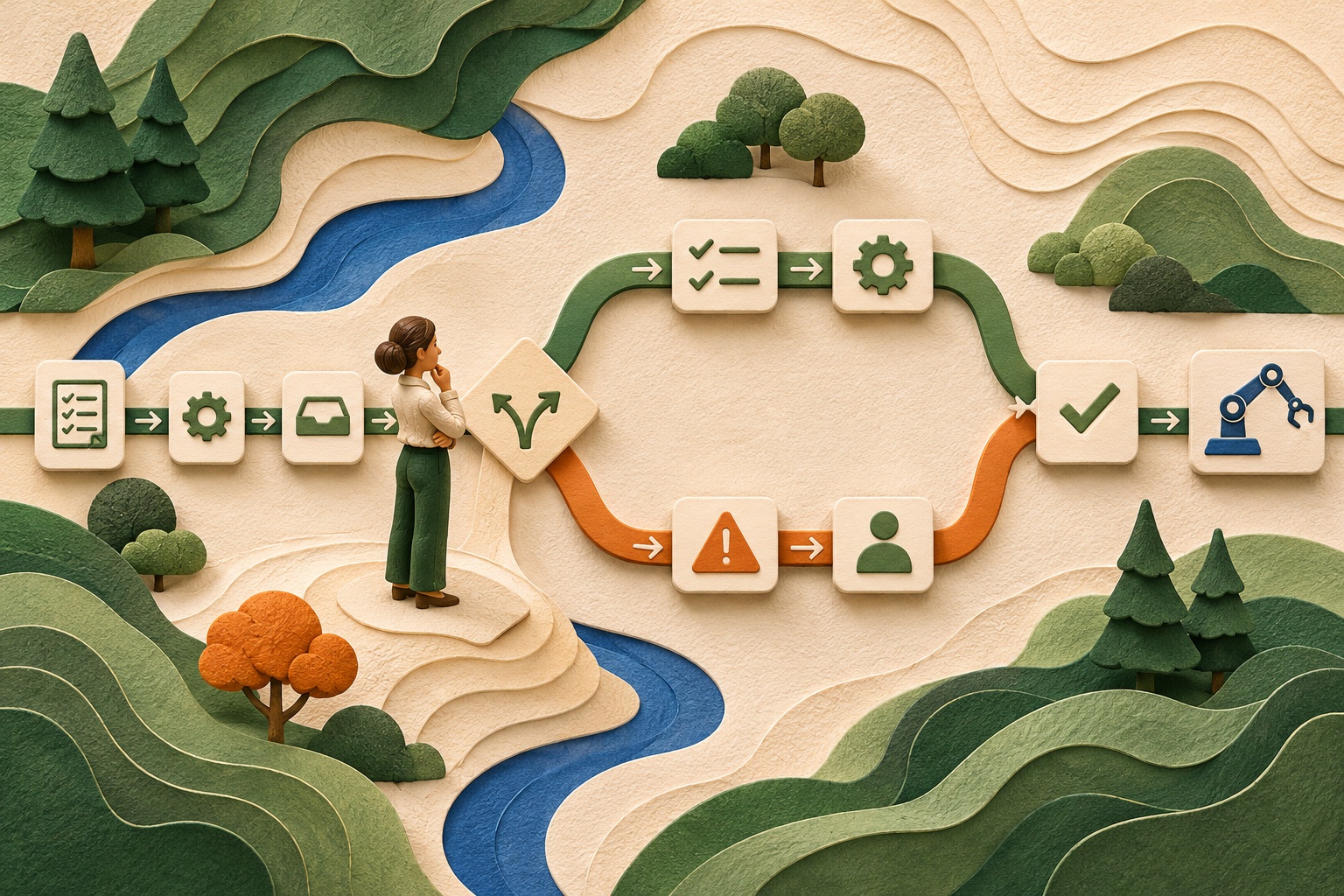
If a process exists only in one person’s memory, an automation diagram drawn from assumptions is a risk register in disguise. This guide gives you a practical mapping method that captures.
A human approval button does not automatically make an AI workflow safe. If reviewers are rushed, lack context, or cannot reject an output, the checkpoint is cosmetic. This guide shows how.
A form-to-CRM integration can look perfect in a happy-path demo and still lose real enquiries at the first duplicate, timeout, or consent edge case. Use this test plan to check data quality.
Every automation will eventually meet an input or service its author did not anticipate. The difference between a minor delay and a lost customer request is whether failure is visible.
A convincing prototype can answer the wrong question beautifully. Before promising that AI will save time or improve service, define the task, a comparison point, and the evidence that.
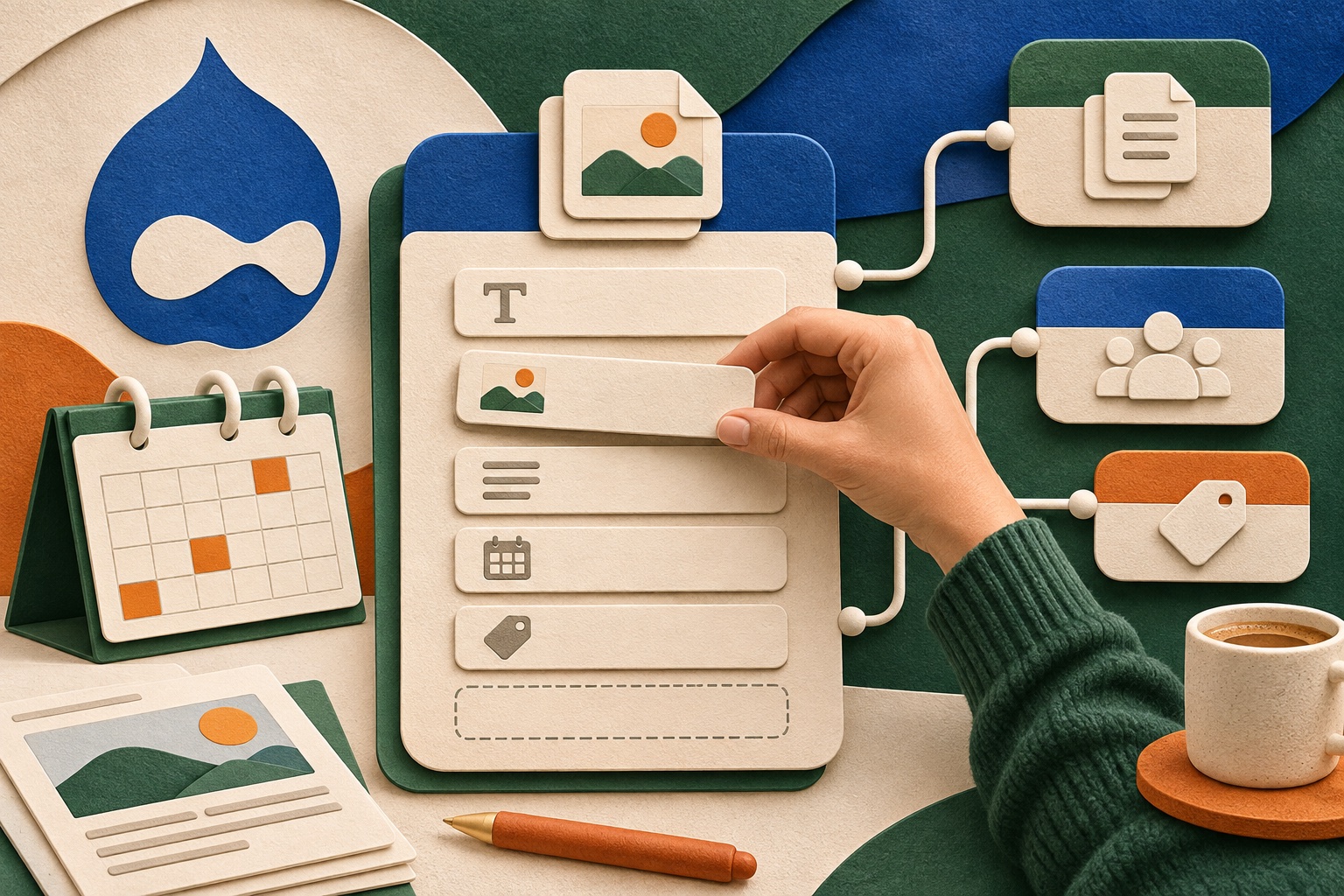
A Drupal content model is not a diagram for developers; it is the set of choices editors must make every time they publish. This guide helps you shape content types and fields around real.
A content migration can pass its import command and still fail the people who need to find, edit, and trust the migrated material. This checklist follows a content-heavy Drupal migration.
A Drupal site is not “maintained” because someone remembers to run updates. Sustainable maintenance has a named owner, a tested path from update to production, and a way to respond when a.
When a Drupal site has plenty of content but people still cannot find it, adding more menu links is rarely the first fix. A useful View depends on consistent content fields, meaningful.
A WordPress site is easy to launch and surprisingly easy to make hard to edit. The difference is often decided before the homepage design: content types, block patterns, roles, and a simple.
A homepage that looks finished does not mean a WordPress site is ready to launch. Before visitors arrive, forms, redirects, accessibility, backups, permissions, and analytics all need a.
The cost of a WordPress plugin is not its price tag. It is also the update work, data ownership, compatibility risk, and exit plan your team accepts when it becomes part of the site. This.
Editors should spend time making content clearer, not rebuilding the same layout or worrying that a small correction is irreversible. WordPress block patterns and revisions can reduce both.
Theme customization cannot rescue product data that is inconsistent across the catalog. Before a Shopify build, decide how products, variants, categories, metafields, and inventory will be.
A Shopify app can remove a daily bottleneck—or add a second system nobody knows how to support. Evaluate the operational job, data access, failure behavior, and exit path before installing.
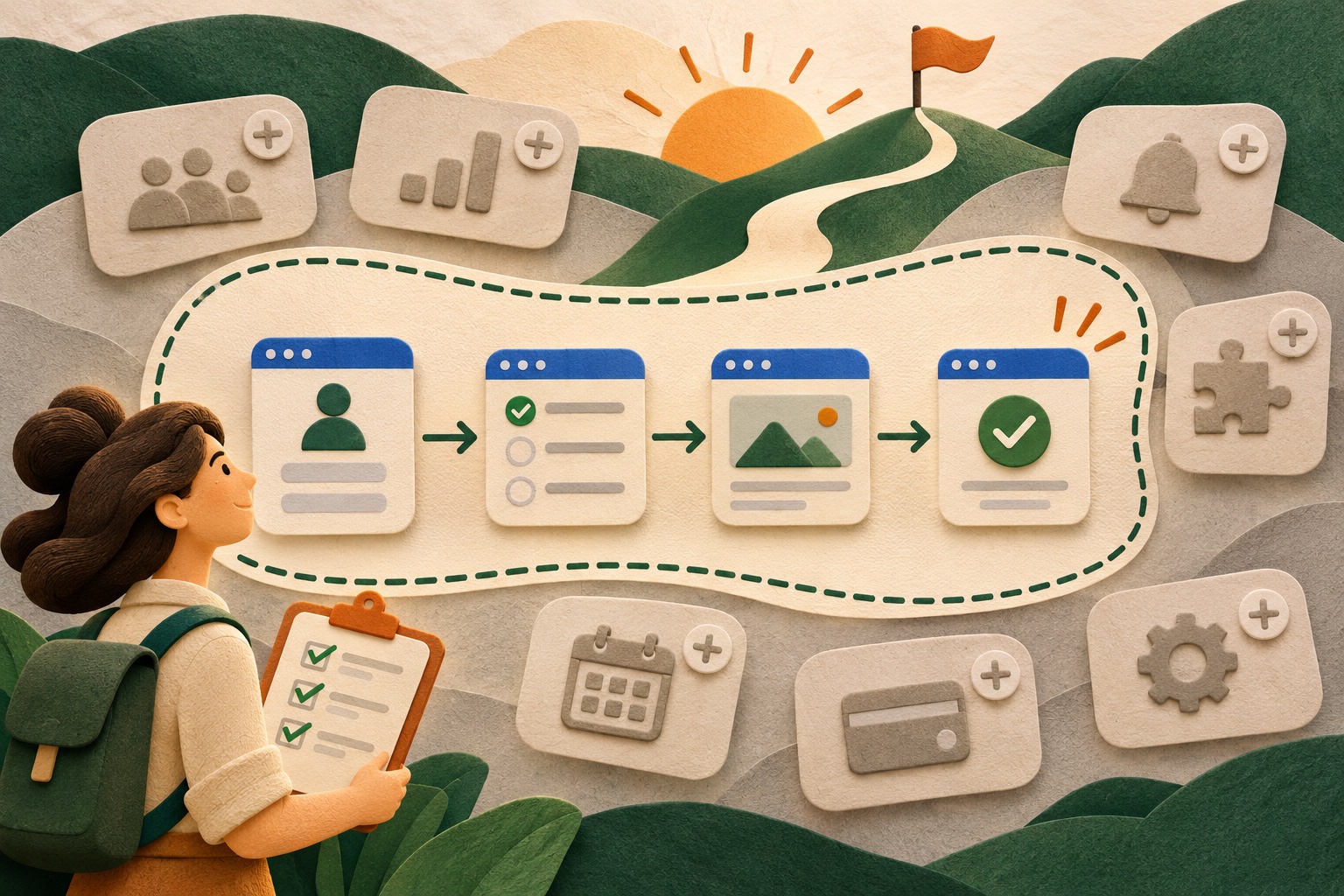
The most expensive first release is often the one that tries to answer every stakeholder’s future question. A useful first version proves a specific user outcome, handles the riskiest.
A Shopify storefront can be visually polished and still make buying difficult if the catalog, policies, shipping rules, and checkout assumptions are unfinished. This guide helps you decide.
“We need a custom app” is a conclusion, not a discovery finding. A tailored product may be right when existing services cannot support a real user need or important operational.