
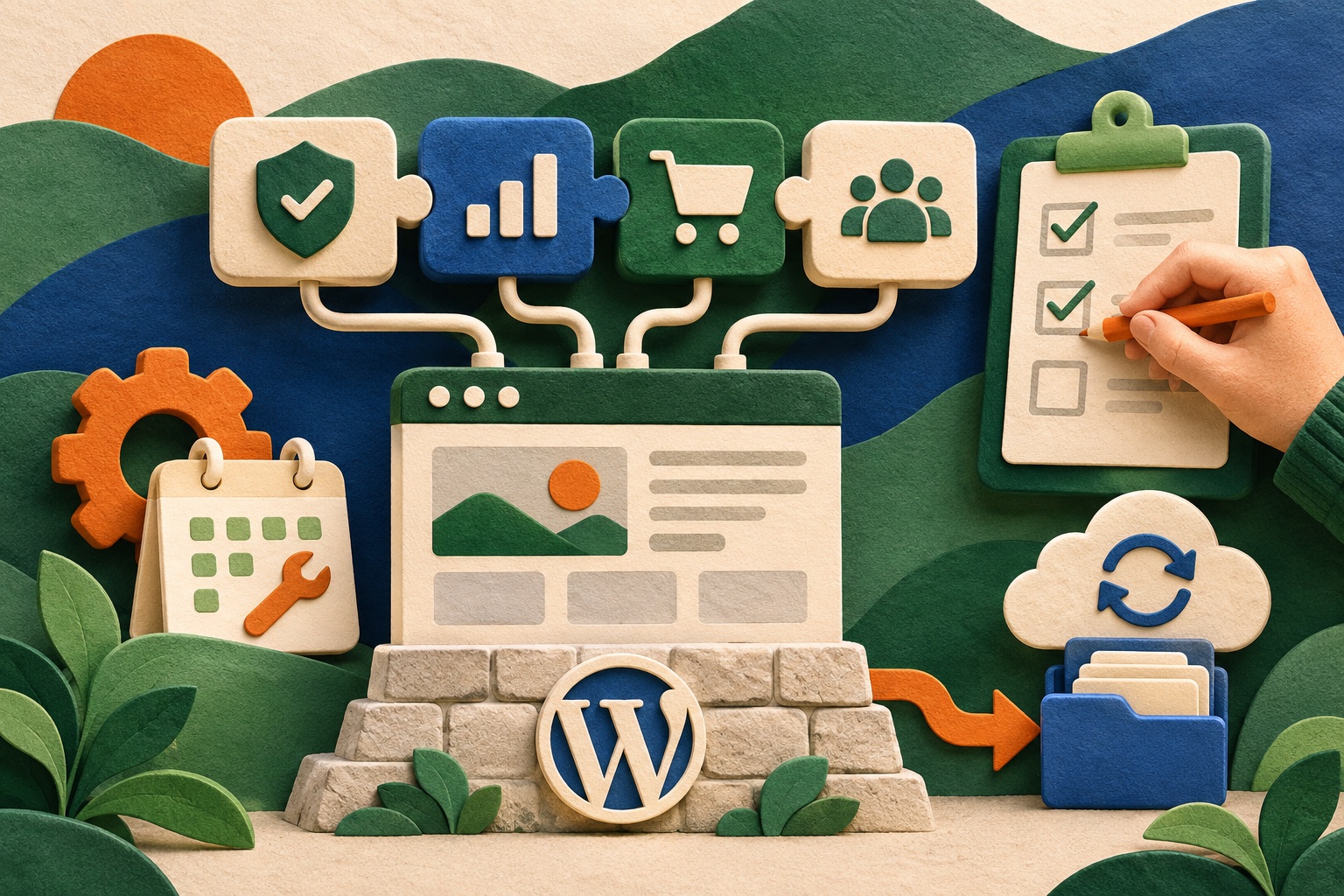
The cost of a WordPress plugin is not its price tag. It is also the update work, data ownership, compatibility risk, and exit plan your team accepts when it becomes part of the site. This framework helps you choose a plugin you can responsibly keep—or remove.
Write down the job before browsing
State the user problem, required behavior, data handled, and success condition. Check whether WordPress core or an existing maintained tool already solves it. Avoid installing two plugins to compare on production; evaluate in a staging site with representative data. WordPress block patterns.
Separate essential requirements from conveniences. This makes it easier to spot a plugin whose feature list is large but whose actual fit is weak.
Review evidence of maintenance and fit
Check compatibility information, recent updates, support responses, documentation, dependencies, and any unresolved security or reliability concerns. Review permissions, external services, tracking, and what personal data the plugin sends or stores.
Test with the active theme and important plugins. Look for conflicts in forms, editor behavior, caching, accessibility, and performance rather than assuming an isolated demo predicts the live site.
Plan ownership and updates
Name an owner, update cadence, staging process, backup plan, and alert path. Record the plugin’s purpose and settings so its value can be reviewed later. Update WordPress and extensions in a controlled sequence and check site health afterward. See also WordPress accessibility coding standards.
Do not assume update compatibility warnings are harmless, or that a plugin is safe because it appears in a directory. Use least privilege and the platform’s security practices when integrating code or handling input.
Know the exit before installing
Find out what data remains if the plugin is removed, whether content is stored in portable fields, and how to export or clean it. Test removal on staging and verify that key pages still work. Set a review date for features that may no longer be needed.
A plugin is a dependency with an operating cost. If nobody owns that cost, prefer the simpler solution or explicitly fund maintenance.
What would you do?
What is your team’s rule for retiring an old plugin that still “seems to work”? Share your experience in the comments.
Have a related project in mind? Talk with Acorn.
Share your perspective