
A WordPress site is easy to launch and surprisingly easy to make hard to edit. The difference is often decided before the homepage design: content types, block patterns, roles, and a simple rule for what belongs in a plugin. This guide plans those choices around the people who will publish next month.
Start from publishing tasks
List the content editors create and update, how it relates, and what must appear consistently. Separate a one-off landing page from reusable services, staff profiles, or case studies when they have distinct fields and archive needs. Define who owns each content type. WordPress block patterns.
Sketch a few real pages from existing content before buying a theme or page builder. This exposes missing fields and repeated layouts early.
Give editors safe, reusable building blocks
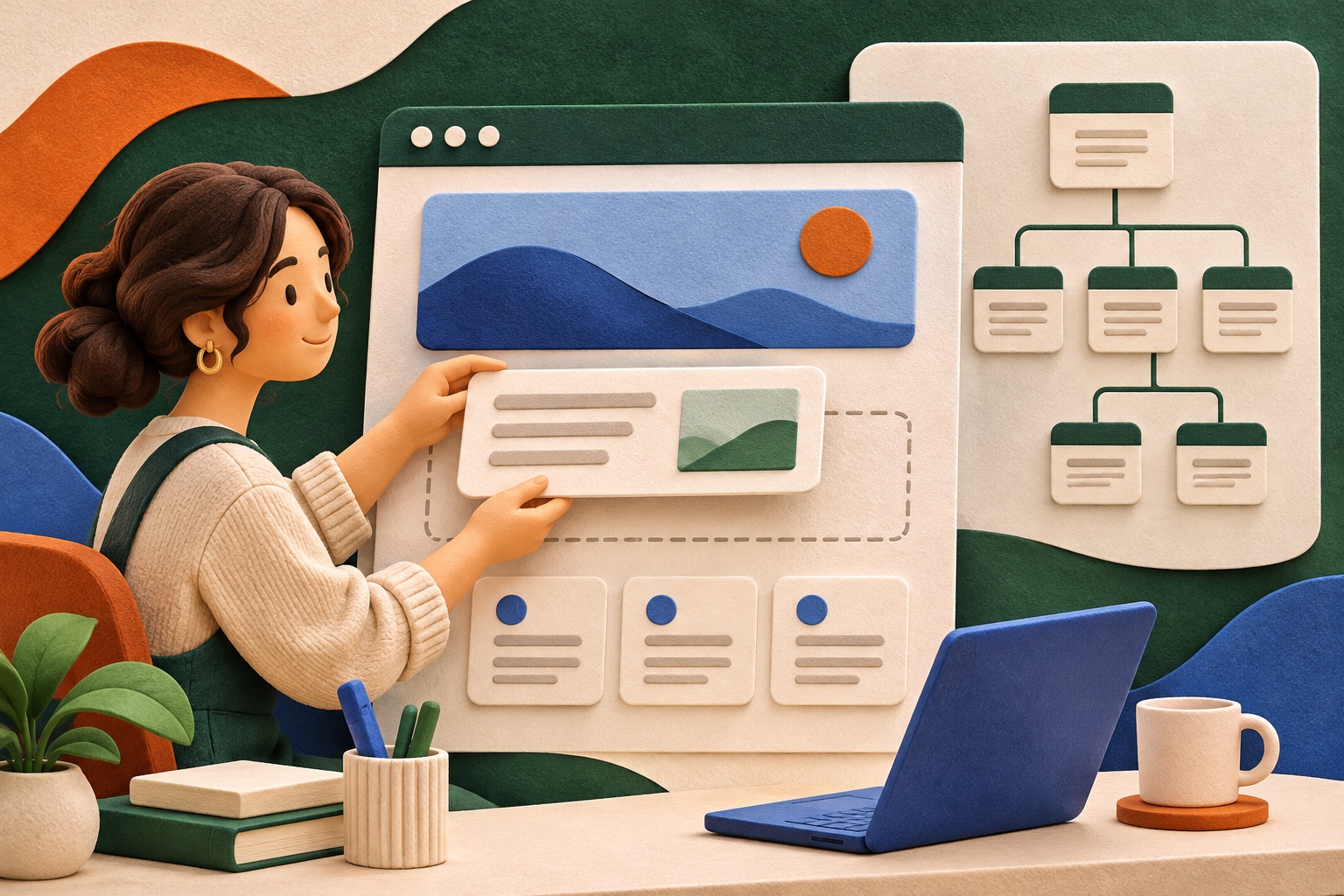
Use a small set of block patterns for common sections and document when to use them. Patterns should reduce repetitive formatting while still allowing the content to change. Define accessible heading order, link text, image alt guidance, and spacing expectations.
Set roles and capabilities so editors can publish their work without receiving site-administrator access. Test the workflow using the least privileged role that needs to do the task.
Keep responsibility clear across theme and plugins
Use the theme for presentation and plugins for behavior or site features that should survive a redesign. Before adding a plugin, document its purpose, owner, data it stores, maintenance status, and fallback if it is removed. Avoid overlapping plugins that each claim to manage the same feature. See also WordPress accessibility coding standards.
Favor supported, well-maintained components and keep custom code in version control. Updates, backups, and a staging review need an owner from the start.
Test the editorial lifecycle
Create, preview, revise, schedule, publish, and retire representative content. Verify revisions, media handling, redirects, search, and mobile display. Ask an editor to make a normal update without developer help and note every confusing step.
A maintainable site has a short operating guide: publishing rules, escalation contact, backup and update rhythm, and how to request a structural change.
What would you do?
What part of your WordPress site is hardest for the people who update it—and what would make that task simpler? Share your experience in the comments.
Have a related project in mind? Talk with Acorn.
Share your perspective